Google AI: The Most Advanced Creative Models in One Place
From photorealistic images to cinema-quality videos with native audio. Google's AI models deliver unmatched quality, consistency, and creative control.
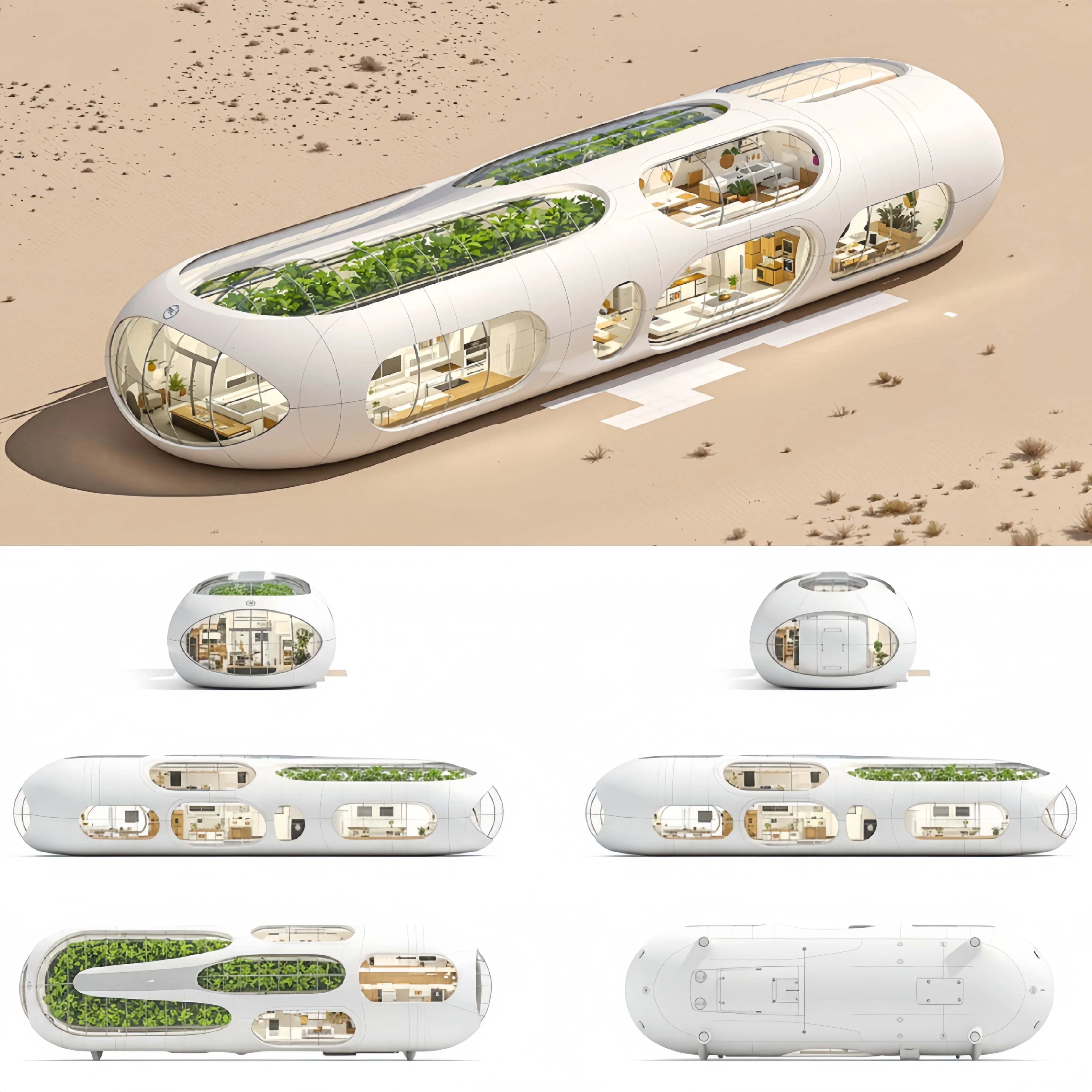
Why Google AI Models Lead the Industry
Google has been at the forefront of AI research for over a decade. Their AI models benefit from massive training datasets, cutting-edge architecture, and continuous refinement. Here's why creators worldwide choose Google AI:
Unmatched Training Data
Google's models are trained on the largest, most diverse datasets in the industry. This translates to better understanding of complex prompts, more accurate style reproduction, and fewer generation failures.
Physics-Aware Generation
Unlike models that produce "AI-looking" content, Google's AI understands real-world physics. Objects fall naturally, water flows realistically, and characters move with proper weight and momentum.
Native Audio Intelligence
Veo 3.1 doesn't just generate video — it creates synchronized audio. This breakthrough means your videos come out ready to use, with sound effects and ambient audio that match the visuals perfectly.
Google AI Image Models
Nano Banana (Gemini 2.5 Flash Image)
The workhorse of Google's image generation lineup. Nano Banana delivers:
- Character Consistency: Maintain the same face and features across multiple generations
- Fast Generation: Results in seconds, not minutes
- Versatile Styles: From photorealistic to artistic, anime to painterly
- Reference Support: Use up to 10 reference images for style transfer
Best for: Social media content, character-based projects, rapid iteration
Create Images with Nano Banana →
Nano Banana Pro (Gemini 3 Pro Image)
When quality and text accuracy matter most, Nano Banana Pro delivers:
- 4K Resolution: Crystal-clear output for professional use
- Flawless Text Rendering: Perfect typography in any language
- Strongest Prompt Following: Your vision, precisely executed
- Multi-Reference Support: Combine up to 8 reference images
Best for: Professional projects, print materials, detailed artwork
Create 4K Images with Nano Banana Pro →
Nano Banana 2 (Gemini 3.1 Flash Image)
The newest and most capable model in Google's image lineup. Nano Banana 2 debuted at #1 on the Artificial Analysis Text-to-Image Arena, combining Pro-level intelligence with Flash-tier speed:
- Real-Time Google Search Grounding: Searches Google — including Image Search — before generating, ensuring images reflect current reality, not just training data
- 4K Resolution at Flash Speed: 3-5x faster than Nano Banana Pro while retaining ~95% of Pro's visual quality
- 5-Character Consistency: Maintains visual identity for up to 5 characters across multiple generations without LoRA fine-tuning
- 98%+ Text Accuracy: Industry-leading spelling accuracy in 100+ languages with native typographic styling
- 15 Aspect Ratios: Including extreme ratios (1:4, 4:1, 1:8, 8:1) unique to Nano Banana 2
- 14 Reference Images: The most reference support among Google's image models for editing and multi-reference workflows
- SynthID Watermarking: Invisible digital watermark for AI content authenticity, plus C2PA Content Credentials
Best for: Search-grounded marketing, multilingual campaigns, character-driven content at scale, rapid iteration
Create Images with Nano Banana 2 →
Google AI Video Model
Veo 3.1
Google's flagship video AI represents the current state-of-the-art:
- Cinema Quality: Professional-grade output that rivals traditional production
- Native Audio: Synchronized sound effects and dialogue generation
- Physics-Perfect Motion: Natural movement without AI artifacts
- Dual Input Modes: Text-to-video or image-to-video generation
Best for: Marketing videos, content creation, professional productions
Google AI vs Other Providers
How do Google's models compare to the competition?
Image Generation Comparison
| Feature | Nano Banana 2 | Nano Banana Pro | Seedream 4.5 | Flux 2 Pro |
|---|---|---|---|---|
| Max Resolution | 4K | 4K | 4K | 2K |
| Speed (1K) | 4-6s | 10-20s | ~2s | ~3s |
| Search Grounding | Google Text + Image | Text only | No | No |
| Reference Images | 14 | 8 | 14 | 8 |
| Character Consistency | 5 characters | Excellent | Good | Good |
| Text Accuracy | 98%+ (100+ languages) | Flawless | Excellent | Good |
| Aspect Ratios | 15 | 11 | 8 | 7 |
| Arena Ranking | #1 (ELO 1,272) | #3 | N/A | N/A |
Video Generation Comparison
| Feature | Veo 3.1 | Kling 2.6 |
|---|---|---|
| Native Audio | Yes (best) | Yes |
| Physics Accuracy | Best | Good |
| Duration | 8s | 5-10s |
| Resolution | 1080p | 1080p |
| Best For | Cinema quality | Audio-synced |
How to Use Google AI Models
For Image Generation
- Go to Image Generator: Visit our Text-to-Image or Image-to-Image tool
- Select Model: Choose Nano Banana for basic speed, Nano Banana Pro for maximum fidelity, or Nano Banana 2 for the best overall balance of speed, quality, and search-grounded accuracy
- Write Your Prompt: Be specific about style, mood, and details
- Generate: Click create and watch your vision come to life
For Video Generation
- Go to Video Generator: Visit our Text-to-Video or Image-to-Video tool
- Select Veo 3.1: Choose Google's flagship video model
- Describe Your Scene: Include motion, lighting, and atmosphere details
- Generate: Wait a few minutes for cinema-quality results with audio
Pro Tips for Google AI Models
Image Generation Tips
-
Be Cinematically Specific Don't just say "a portrait" — say "a professional headshot with soft studio lighting, shallow depth of field, neutral background"
-
Leverage Reference Images Upload reference images to maintain character consistency or transfer specific styles to new compositions
-
Use Nano Banana Pro for Detail When you need text rendering, intricate patterns, or maximum clarity, the 4K output makes a visible difference
Video Generation Tips
-
Describe Motion Explicitly Specify camera movements: "slow dolly forward," "gentle pan left," "dramatic zoom out"
-
Include Audio Context Describe the soundscape: "quiet forest ambiance," "busy city street noise," "gentle rainfall"
-
Use Image-to-Video for Control Start with a generated image you love, then animate it with Veo 3.1 for perfect visual consistency
Who Uses Google AI Models?
Content Creators
YouTube creators and social media influencers use Google AI for thumbnails, b-roll footage, and engaging visuals that stand out in crowded feeds.
Marketing Teams
Agencies and in-house teams generate campaign assets, product visualizations, and video ads at a fraction of traditional production costs.
Artists & Designers
Visual artists expand their creative toolkit, experimenting with styles and concepts that would take hours to create manually.
Filmmakers
Independent filmmakers use Veo 3.1 for pre-visualization, VFX elements, and even final footage for certain scenes.
E-commerce
Product teams create lifestyle imagery and video showcases without expensive photo shoots.
Start Creating with Google AI
Google's AI models represent the cutting edge of creative technology. Whether you need:
- Quick images with excellent consistency → Nano Banana
- 4K professional images with maximum fidelity → Nano Banana Pro
- 4K search-grounded images with speed, multilingual text, and character consistency → Nano Banana 2
- Cinema-quality video with native audio → Veo 3.1
All four models are available right now on LatiAI. No technical expertise required — just describe what you want and let Google's AI bring it to life.
Ready to experience the most advanced AI creative tools?
Frequently Asked Questions
Start Creating with Google AI Today
Transform your creative ideas into stunning content. No technical expertise required.
Start Creating Free